Assistive technology and apps for dyslexia
Dyslexia Therapy 8 min read
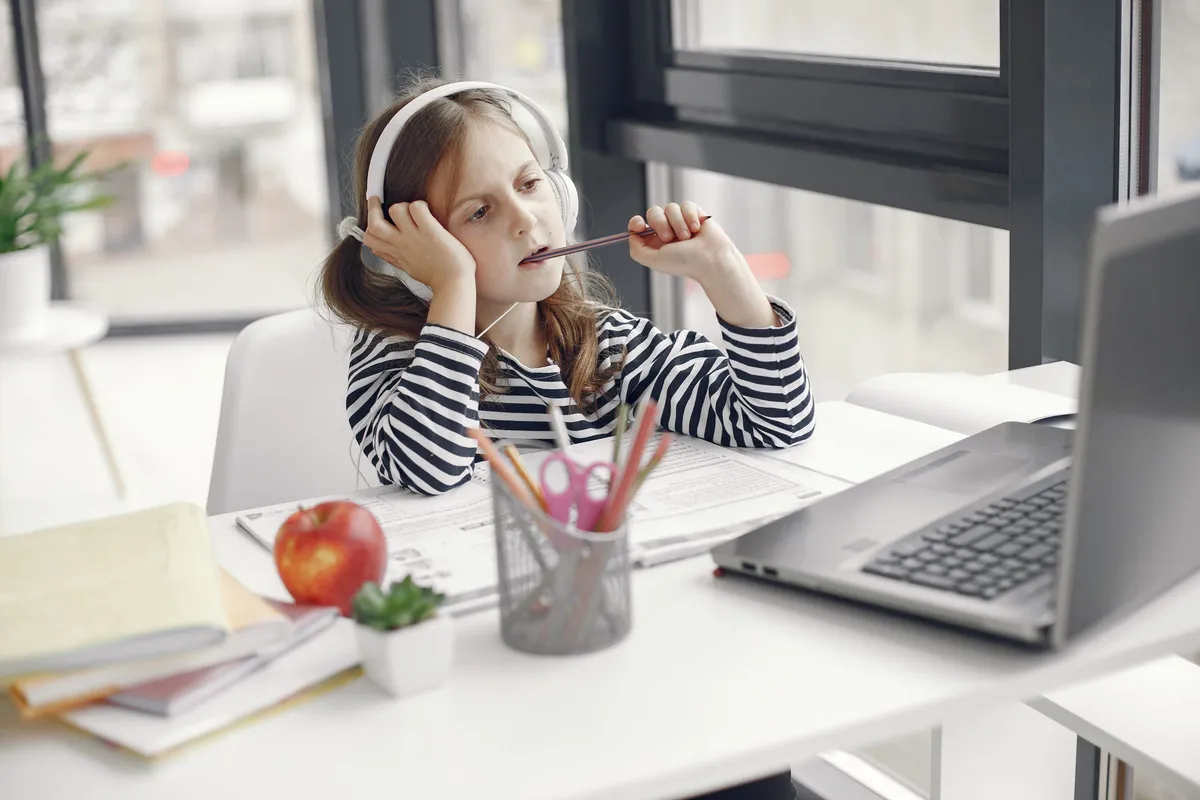
Assistive technology for dyslexia is any tool that reads text aloud, turns speech into writing or props up spelling. It lets a child keep learning at their year level while reading and spelling are still being taught. Most of it is already on the laptop, tablet or phone your child uses, and it costs nothing to turn on.
This guide sorts the tools by the job they do, starts with the free ones, and says plainly what each cannot do. It is one part of the wider plan set out on the dyslexia support page.
What is assistive technology for, and what does it not replace?
Assistive technology is for getting on with learning. A ten year old who decodes slowly can still follow the class novel, the science sheet and the maths problem if a device reads the words aloud. SPELD SA describes it as a way of working around a learning difficulty so a student can take part in the same tasks as their classmates and show what they know.
Assistive technology does not teach a child to read or spell. Listening to a page does not build the letter and sound knowledge that decoding depends on. That still has to be taught, explicitly and in order, which is what reading help for dyslexia covers.
The measured benefit is real but modest. A 2018 analysis of 22 studies found that text read aloud by a device or a person improved reading comprehension for students with reading disabilities, with an average effect of 0.35. In plain terms, it helps a child understand more of what is put in front of them. It is a support, and a child needs both the support and the teaching.
What is already free on a school laptop, tablet or phone?
Start with what is built in. The tools below were checked on their makers’ help pages on 15 November 2026. Menus move, so search the device’s settings for the name if the path has changed.
| Job | Device or program | Where to find it | What it does |
|---|---|---|---|
| Read text aloud | Microsoft Word | Immersive Reader, then Read Aloud | Reads the document and highlights each word; can widen the text spacing |
| Read text aloud | iPad and iPhone | Settings, Accessibility, Spoken Content | Speak Selection reads chosen text; Speak Screen reads the whole screen |
| Read text aloud | Chromebook | Settings, Accessibility, Text-to-Speech, Select-to-speak | Reads the part of the page you select and highlights each word |
| Turn speech into writing | Google Docs | Tools, Voice typing (in the Chrome, Edge or Safari browser) | Types what is said into the document; punctuation can be spoken |
| Support spelling | Most word programs | Spell check usually on by default; word prediction may need turning on | Flags likely errors and offers words as your child types |
Most phones and tablets also have a microphone key on the keyboard that does the same job as voice typing in any app.
Which tools read text aloud?
Text to speech is the tool most children with dyslexia use first, because reading is where the load is heaviest. Good text to speech software for dyslexia does three things: it highlights each word as it is spoken, it lets your child change the speed, and it copes with the formats school sends home.
That last point is where free tools run out. A typed document or a web page is easy. A photographed worksheet or a scanned PDF is a picture of words, and the device has to recognise the letters before it can speak them. Many phones and tablets can now do this through the camera. Test it on a real worksheet before paying for a reading app.
Ask your child to follow the highlighted words with their eyes while they listen. They see and hear each word together, which is more useful than listening with the screen turned away.
Is a reading pen worth buying?
A reading pen is a handheld scanner, about the size of a thick marker, that is run along a line of print and reads the words aloud through a speaker or earphones. A dyslexia pen suits printed material that never reaches a screen: a library book, a handout, a test paper.
A reading pen for dyslexia has limits worth knowing before you pay for one:
- It reads one line at a time, so a full page is slow going.
- It reads print. It will not read handwriting or words on a screen.
- Your child needs a steady hand and the patience to use it in front of classmates. Some children will not want to.
- Exam versions exist with no dictionary and no storage, but no pen is approved for a test automatically. The school has to ask.
Before buying, ask whether the school has a pen your child can borrow for a fortnight, and try the camera on a phone or tablet on the same pages. If the camera does the job, the pen is not needed.
Which tools turn speech into writing?
Speech to text, also called dictation, types what your child says. It suits the child whose ideas are well ahead of their spelling, the one who can tell you a whole story and then writes two short sentences.
Dictation takes teaching. Your child has to speak in sentences, say the punctuation, and then check what was typed. The neatest way to check is to have text to speech read it back, because a child with dyslexia will hear a wrong word sooner than they will see it. Expect errors at first, and practise at home before asking for it at school. A quiet corner helps, since a microphone picks up the whole classroom.
What helps with spelling while writing?
Spell check and word prediction are the everyday spelling supports, and both are built into most word programs. Word prediction offers whole words after the first few letters, which saves effort and keeps a child writing the word they meant instead of an easier one they can spell.
Spell check works when the attempt is close to the real word. When it is not, saying the single word into the microphone usually gets it. These tools tidy a piece of writing. They do not teach spelling, which is its own work and is described on the spelling help page.
Special typefaces are sometimes sold as a reading aid. The evidence for them is weak, and the guide to dyslexia fonts explains why spacing matters more.
Are audiobooks a good idea for a child with dyslexia?
Yes. Audiobooks let a child with dyslexia take in books at the level of their thinking instead of the level of their decoding, so vocabulary and general knowledge keep growing. Listening to a book is not cheating, and it does not stop a child learning to read.
The Vision Australia Library is free to Australian residents with a print disability, and its eligibility page lists dyslexia. Someone has to certify the print disability when you apply. Your public library is the other place to ask. What a child should read with their own eyes is covered in the guide to decodable readers and books for dyslexia.
How do you ask a school to allow assistive technology?
Ask in writing, and ask for the job, not the product. “He needs text read aloud in every subject” is easier for a school to agree to than a named app.
Under the Disability Standards for Education 2005, a school has to consult you and your child before deciding on adjustments, and dyslexia comes under those standards (see is dyslexia a disability). Four questions settle most of it:
- Can the tool be written into my child’s learning plan, so every teacher knows?
- Which device will it run on, and are earphones allowed in class?
- Will worksheets be sent as typed files, so the device can read them?
- Can it be used in class tests and in national testing?
The last question needs time. Assistive technology has no automatic approval for NAPLAN: the school applies to the test authority beforehand. A scribe is allowed only for the writing test, and only with permission. Raise it early in the school year. Senior exams are decided by each curriculum authority, which the school can name. The wider list of adjustments is in the guide to dyslexia at school.
Where should you start?
Pick the one job that costs your child the most each day and set up one tool for it. SPELD SA gives the same advice: work out what suits your child before spending money on hardware or software.
Teach the tool at home until it is quick, then take it to school. Younger children mostly need text read aloud. By high school the reading and writing load is heavy enough that most students need all four jobs covered, which is part of dyslexia support for teenagers.
Sources
- SPELD SA. Assistive technology.
- SPELD SA. Strategies and supports for people with dyslexia.
- Wood, S. G., Moxley, J. H., Tighe, E. L. and Wagner, R. K. (2018). Does use of text-to-speech and related read-aloud tools improve reading comprehension for students with reading disabilities? A meta-analysis. Journal of Learning Disabilities, 51(1), 73 to 84. Summary in the ASHA Evidence Maps.
- Microsoft Support. Use Immersive Reader in Word.
- Apple Support. Spoken Content on iPhone and iPad.
- Google. Select-to-speak on a Chromebook and Type with your voice in Google Docs.
- Vision Australia. Join the library.
- National Assessment Program. Adjustments for students with disability.
- Australian Government Department of Education. Disability Standards for Education 2005.
Topics
- Assistive technology
- Text to speech
- Reading pens
- School